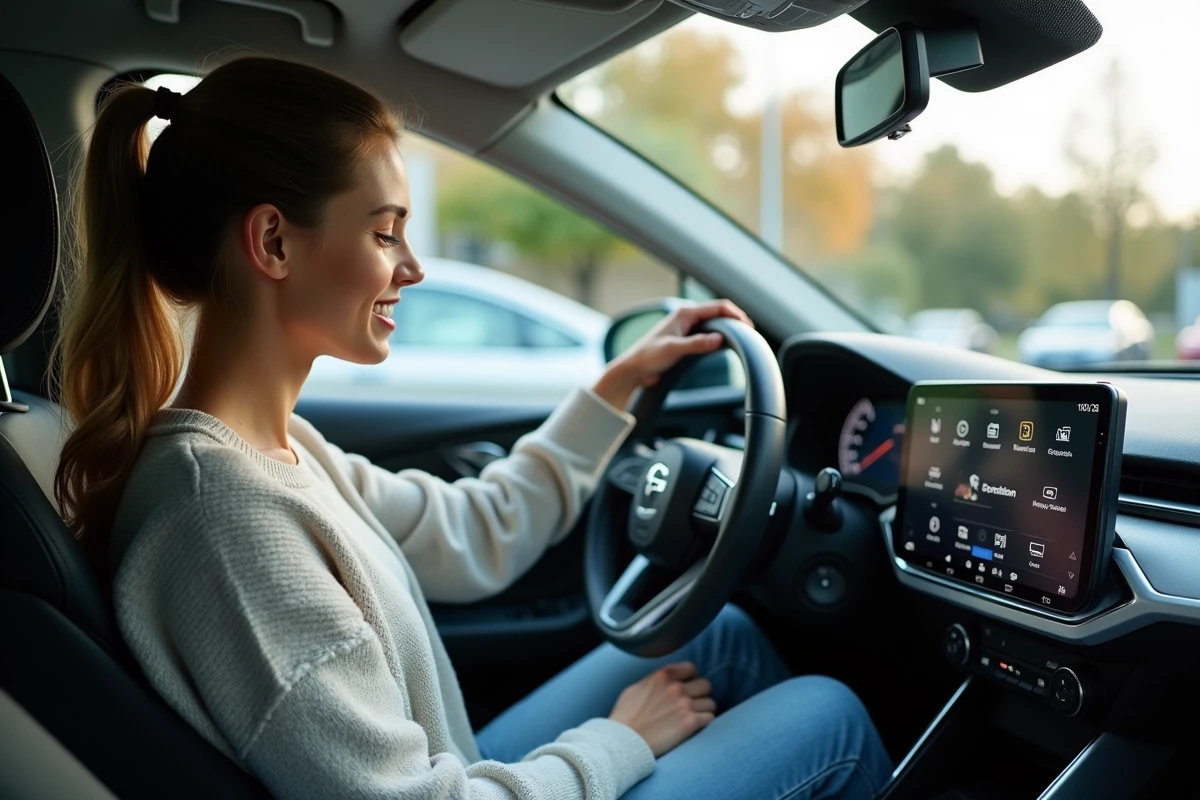
The activation of connected navigation on Citroën and DS models does not solely depend on the presence of a touchscreen or an active subscription. Some functions require precise configuration, often overlooked during the vehicle’s handover.
Essential steps, sometimes hidden in the settings, condition access to connected services. Users frequently encounter obstacles when pairing their smartphone or validating their user account, which are essential to fully enjoy the integrated features.
What is the purpose of connected navigation in Citroën and DS vehicles?
Connected navigation is now equipped in most recent Citroën models. Much more than just a GPS, this system revolutionizes the way each journey is approached and the daily management of the Citroën vehicle. Thanks to the integration of connected services such as TomTom Traffic, the driver gains access to real-time traffic data, current traffic conditions, and a series of alerts: sudden danger, weather on the route, roadworks, or degraded road surfaces. The system detects traffic jams, suggests relevant detours, and adjusts the route to any unforeseen events.
The Pack Connect Plus, offered for twelve months on new vehicles since July 2023, goes further: advanced trip planning, searching for points of interest, locating charging stations for electric models, it has it all. The MyCitroën app also allows for remote actions: locking the doors, checking the digital maintenance log, or verifying the battery charge. The driver thus remains in control, without having to navigate through complex menus.
The latest development, artificial intelligence, is now part of the cabin. In some models, ChatGPT responds to voice commands, finds an address, plans a route, or suggests a must-stop along the way. To activate this bundle of features, one must carefully follow the Citroën Connect Nav activation procedure. It is the gateway to all Citroën connected services, the key to making the most of everything Citroën technology has to offer.
Key steps to easily activate connected navigation, even if you’re a beginner
Before getting started, first check for the presence of the Citroën Connect Box in your vehicle. This module, present in most recent models, is essential for accessing connected services. From the central screen, also known as the touchscreen, open the connectivity menu.
Then, download the MyCitroën app from the Google Play Store or the Apple Store and create an account. You will then need to enter your vehicle’s chassis number (VIN): this links your profile to your Citroën vehicle. The activation of services is done directly in the app, step by step, using the displayed instructions. The interface allows you to manage various functions, including the one related to the Pack Connect Plus for live navigation.
On the vehicle’s touchscreen, select the “Navigation” tab and follow the activation instructions. Some services require the car to be connected to a stable mobile network (3G or 2G): if this network is disabled, the Citroën Connect NAV functions may not activate or may interrupt during use.
Here is a summary of the operations to perform to leave nothing to chance:
- Check for the presence of the Citroën Connect Box.
- Download and set up the MyCitroën app.
- Enter the VIN to link the app to the vehicle.
- Activate the connected services via the app, then on the touchscreen.
- Ensure the proper functioning of the onboard mobile network.
The management of the Pack Connect Plus and connected services is controlled from the app and the onboard multimedia system. The ergonomics of the Citroën system simplify each step, even for those taking their first steps with connected navigation.
Practical resources to go further: video tutorials and daily usage tips
To master all aspects of Citroën connected services, the manufacturer provides numerous tools. On the touchscreen or via the app, easily access a series of official video tutorials, whether directly in the vehicle’s interface or on the brand’s website. These videos detail the use of the Pack Connect One and Pack Connect Plus, from managing the Trip Planner to optimizing remote e-orders for electric and plug-in hybrid models.
To help you enjoy all the features, here are some concrete examples to explore:
- Duplicate phone apps with Mirror Screen for more comfort while driving.
- Use Free2Move e-Solutions to quickly locate nearby charging stations.
- Secure the vehicle with the Connected Alarm and keep the maintenance history in the e-maintenance log.
- Make an emergency call to SOS Assistance with a simple press.
- Activate driving assistance systems (speed limitation, active safety brake, traffic recognition) directly from the main menu.
For a smoother daily use, here are a few tips to remember: update the onboard software to benefit from recent innovations, prepare your routes on Trip Planner before each departure, and manage the vehicle’s charging from the mobile app. Owners of e-C4 and e-C4X models also have E-Routes for optimized trips considering the availability of charging stations. European regulations now require the integration of the latest driving aids, enhancing safety on board. Each service, each feature comes with clear documentation, designed to make the connected experience accessible and frictionless.
With every journey, Citroën technology paves a road that is uniquely yours, as long as you dare to activate the first button.